GymLog
A training app that mirrors a personal trainer’s plan: log sets against the programme, time the rest, follow the nutrition plan and track weekly check-ins. Screens are shown with demo data.
Type system.
Typeface and colours read from the app’s source. These are free Google Fonts, so the specimens are set in the real typefaces.
Palette.
Screens, one by one.
Home
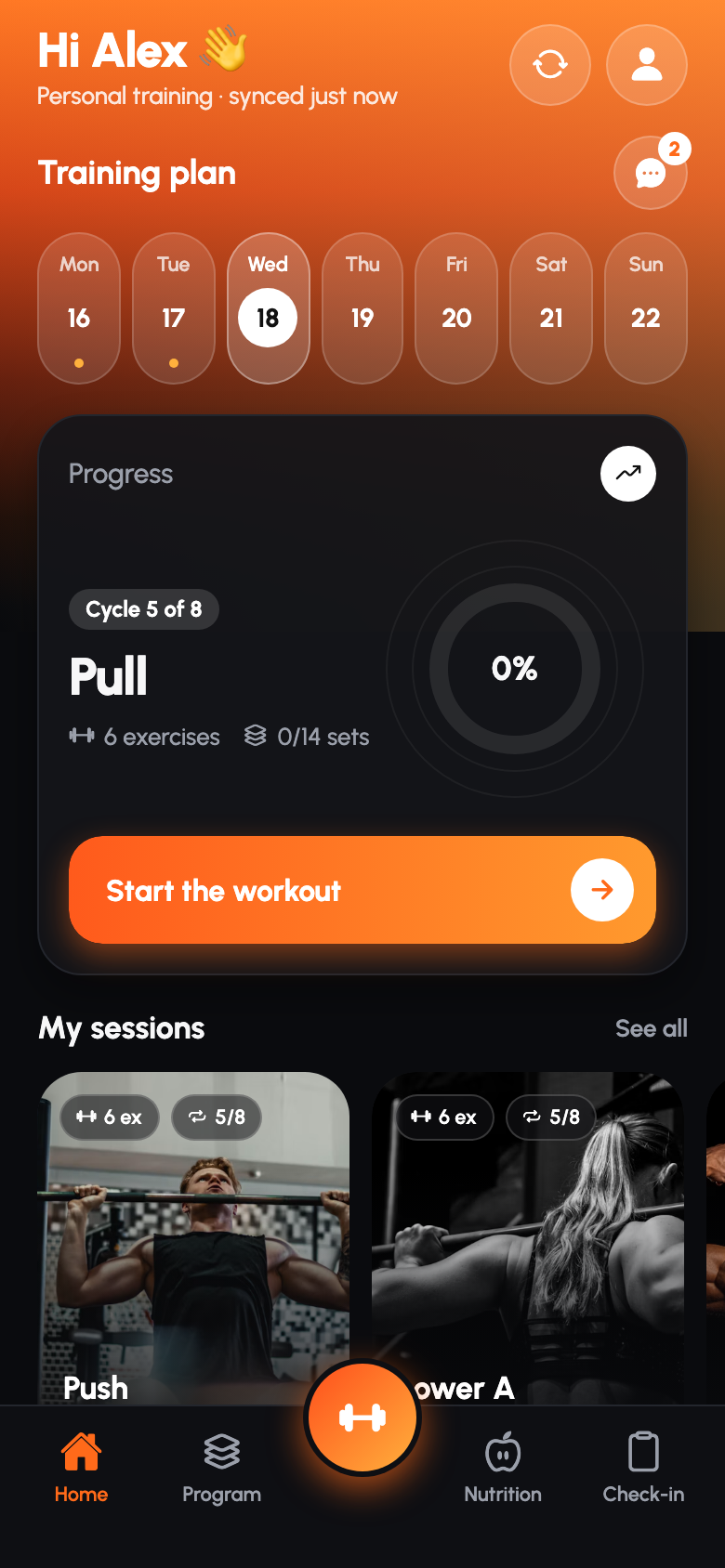
Greeting, week strip, the next session with a progress ring, and session cards.
Session
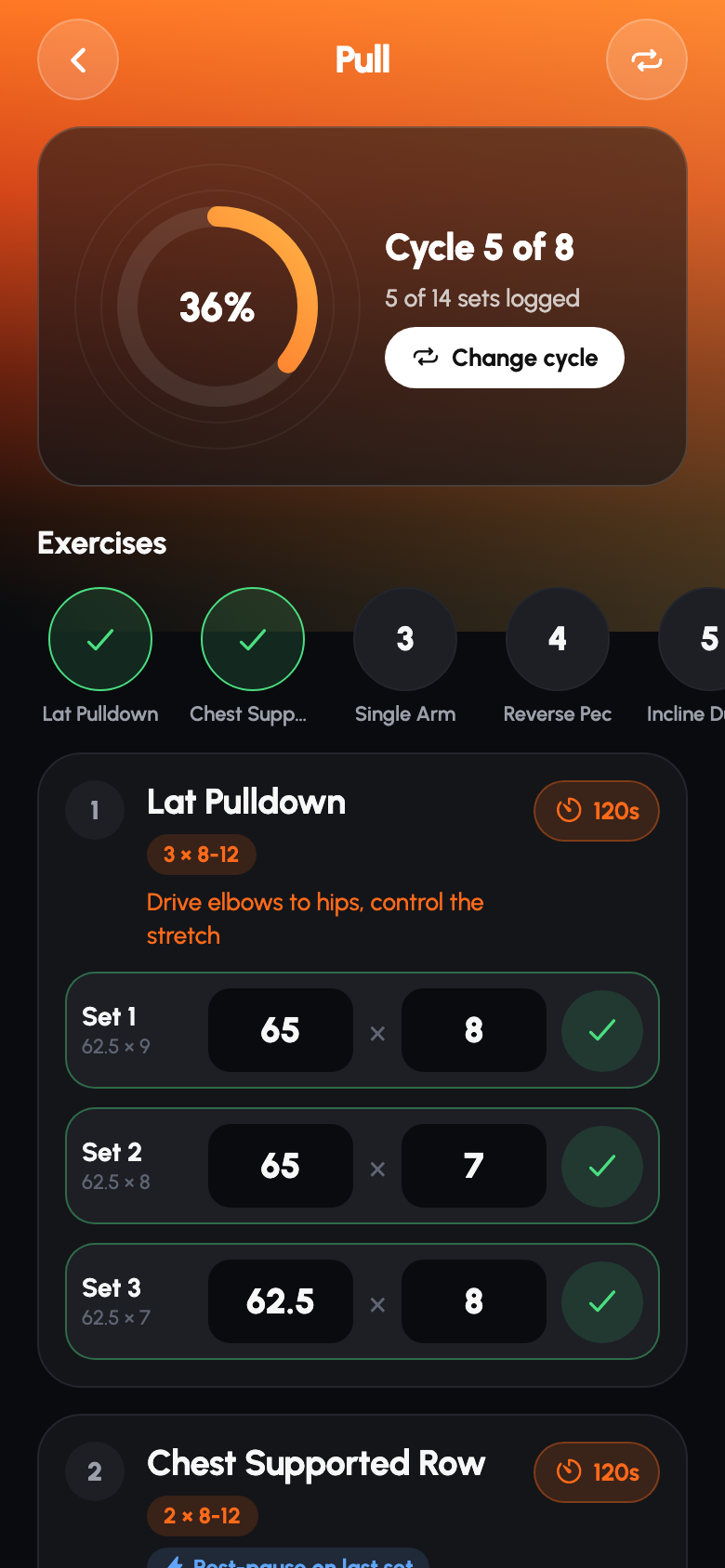
Each exercise with its sets, the previous cycle’s numbers and a save action per set.
Rest timer
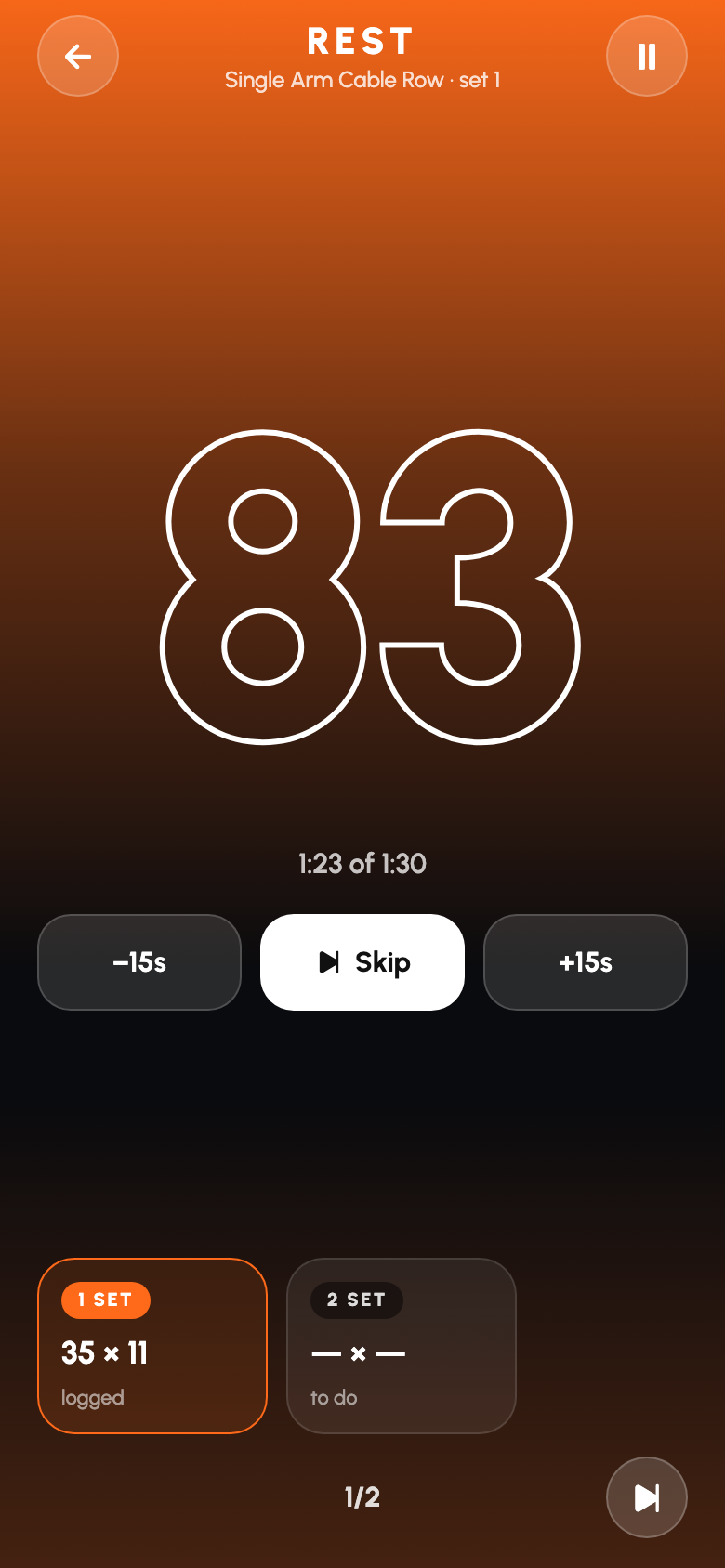
A full-screen countdown with skip and 15-second adjustments; it can shrink to a bottom sheet.
Program
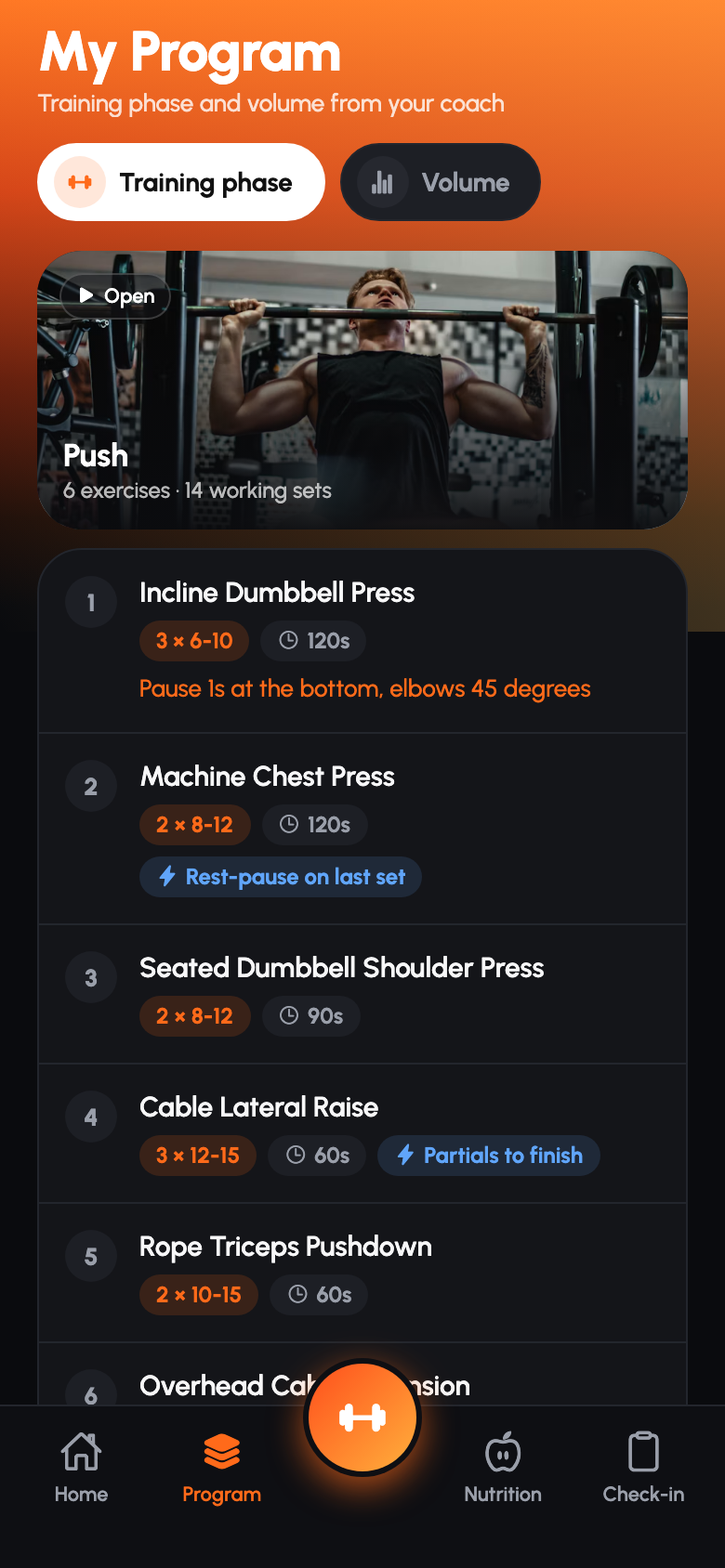
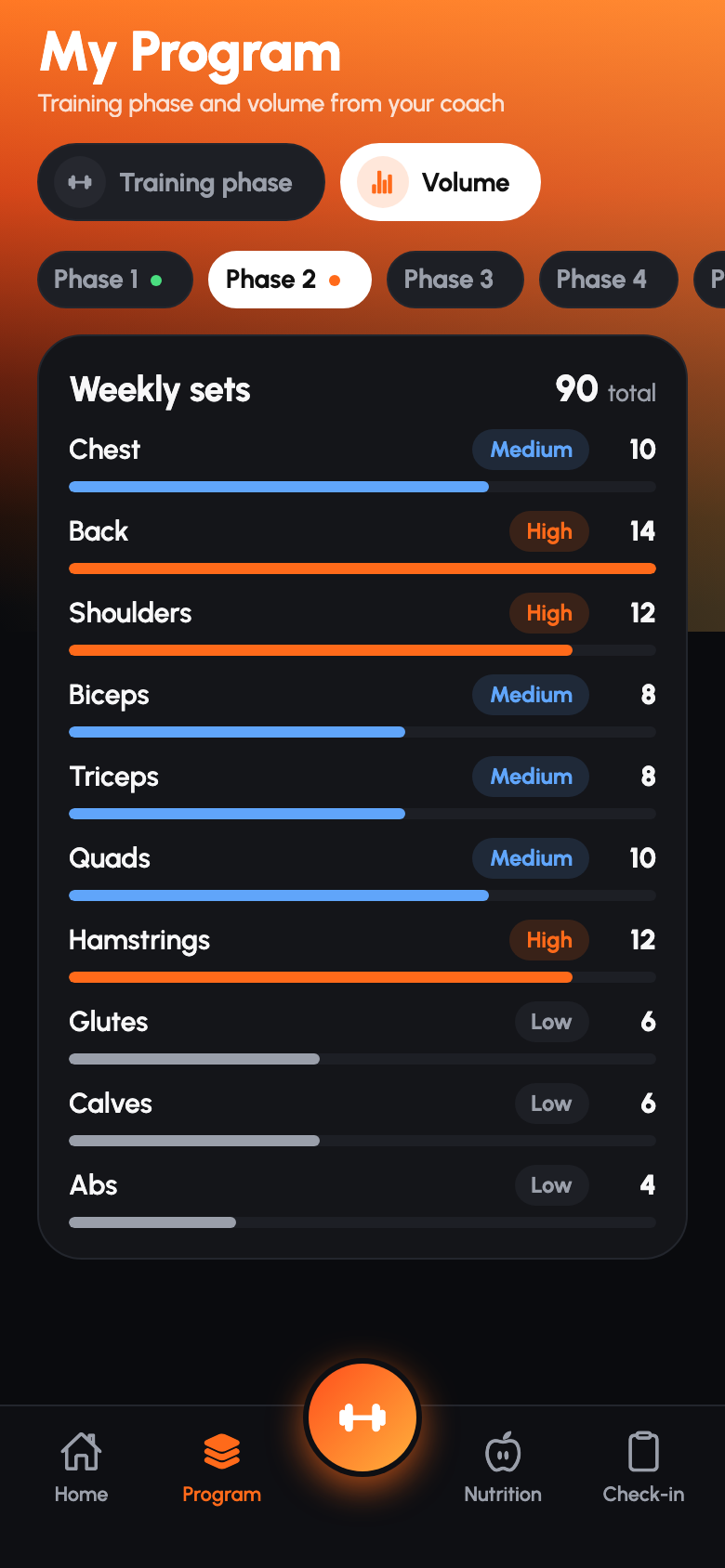
The training phase by session, and weekly volume per muscle group.
Nutrition
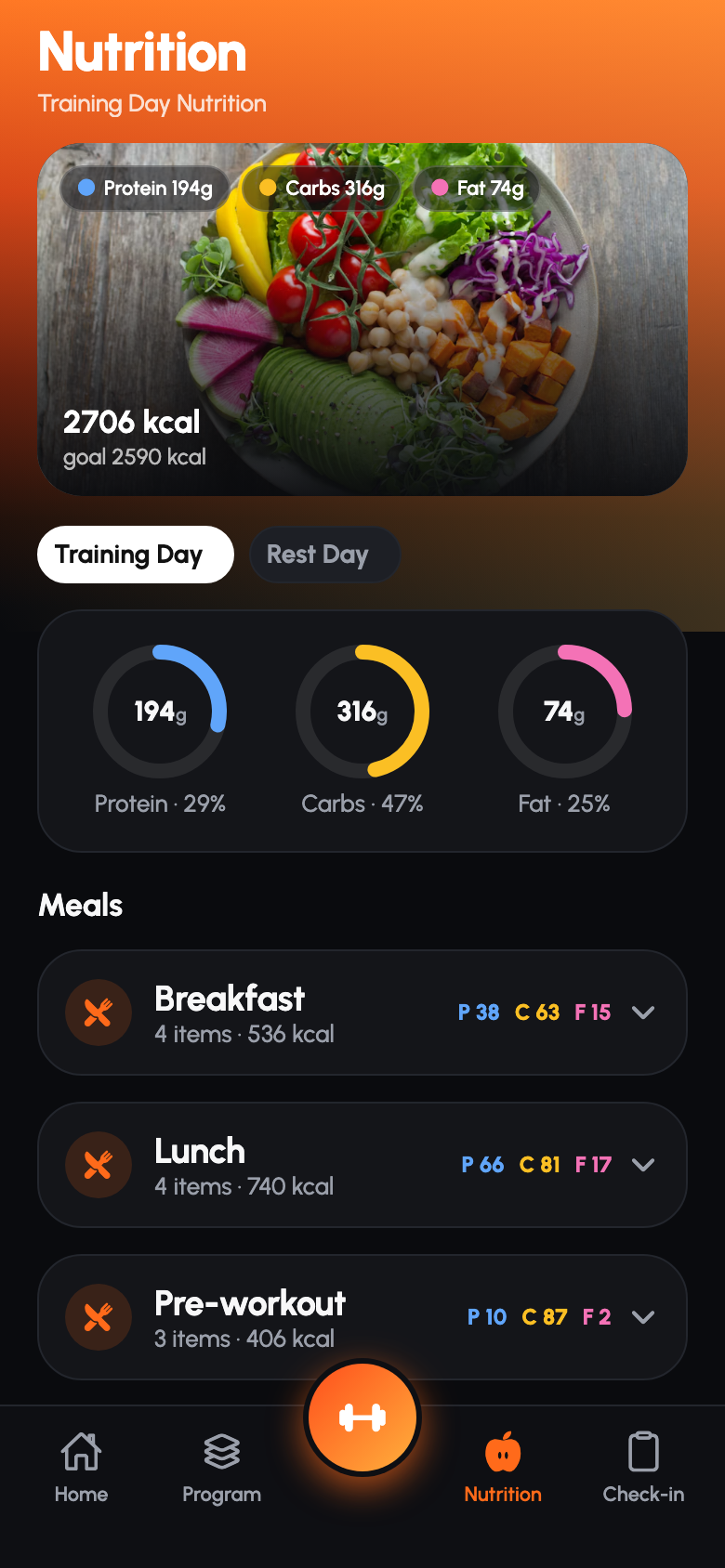
Calories and macro rings for the day type, with expandable meals.
Check-in and trends
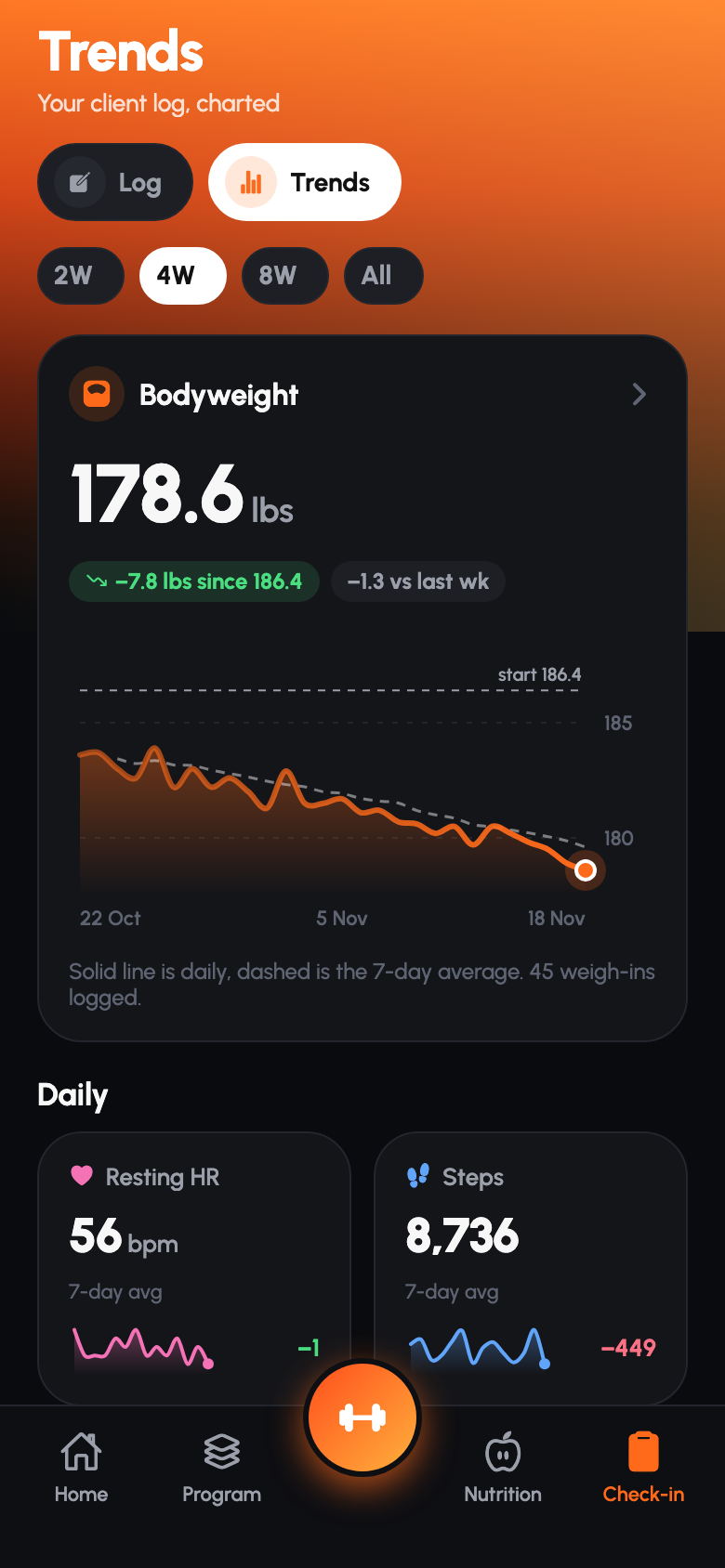
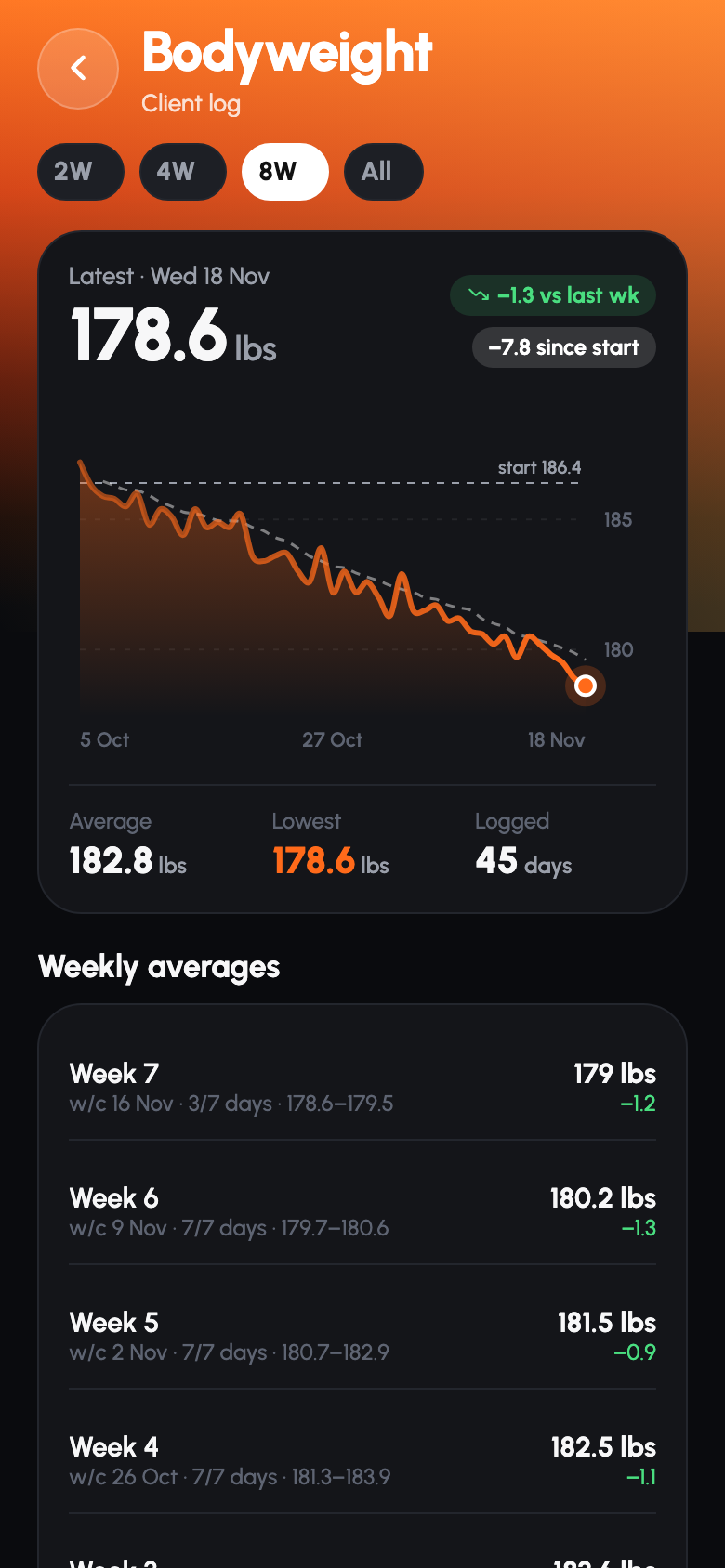
A daily log, then charts for bodyweight, steps, sleep, water and recovery.
What makes it work.
- A dark interface with one warm accent keeps attention on the number you are about to log.
- Large rounded cards and pill controls are easy to hit mid-workout.
- Figures are set big and heavy; labels stay small and grey.
- Photography is used only on session cards, so the working screens stay calm.